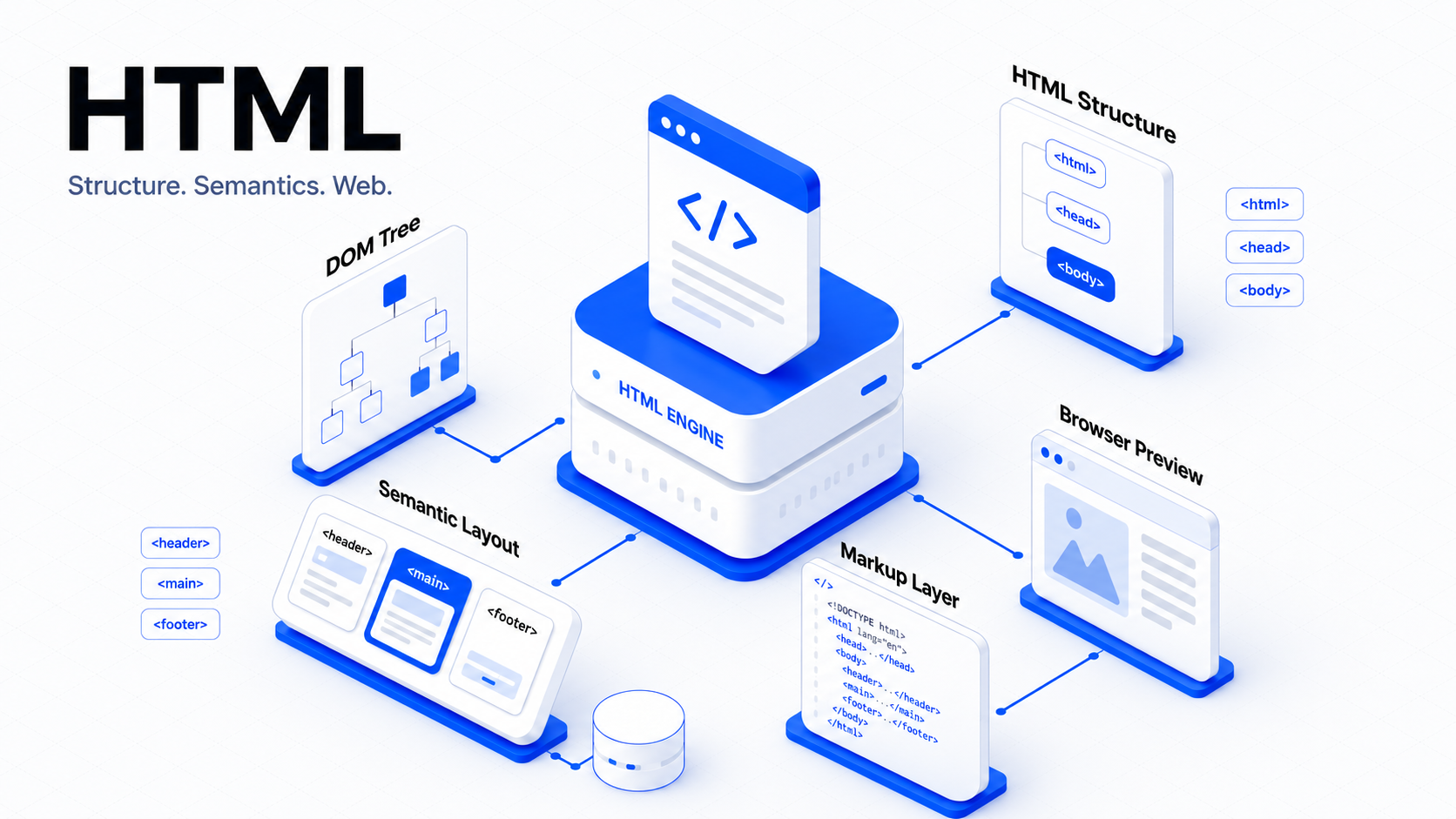
Your Learning Workspace.
Sign in to unlock live weekly learning metrics.
Sign in to unlock live weekly learning metrics.
Combine foundations, projects, and feedback loops into a focused path.
Structured. Measurable. Built for compounding growth.
Progress through a connected system of knowledge and practice.
Build core understanding and essential skills.
Apply knowledge through real-world builds.
Get feedback and refine with intent.
Demonstrate depth and ship with confidence.
Core competencies tracked as you progress.
A rhythm that drives consistent momentum.
A highly distributed, robust architectural grid. Every module, project, and review is mapped to a central telemetry node to track your progress with absolute precision.
Active Nodes
17
Latency
3578ms
Prepare HTML pages for real-world publishing. This module focuses on accessibility-first structure, avoiding unnecessary ARIA, writing useful document titles and descriptions, adding SEO metadata, preparing Open Graph previews, and auditing pages before launch.
Represent real data with correct HTML table semantics. This module explains when tables should be used, how captions and table sections improve clarity, and how headers, row labels, and scope attributes make data easier to understand. Learners will build a learner progress table for a dashboard.
Create the HTML foundation for real product interactions. This module teaches form structure, labels, names, IDs, input types, autocomplete, validation, checkboxes, radios, selects, textareas, fieldsets, help text, and error messaging. Learners will build signup, login, search, and settings-style forms.
Begin with the core structure of the web. This module teaches how HTML documents are created, how browsers read markup, and how a valid document shell becomes the foundation for every website, web app, and frontend framework. Learners will build a reusable starter HTML page and inspect its structure using browser tools.
Learn how to turn raw text into meaningful web content. This module focuses on headings, paragraphs, lists, quotes, code blocks, time elements, and article-style structures so learners can create pages that are easier to read, maintain, search, and understand by assistive technologies.
Build the structure users rely on to move through a website. This module covers links, URLs, navigation menus, headers, footers, main content areas, breadcrumbs, skip links, and page landmarks. Learners will create clear page flow for a small multi-page website.
Add rich content to HTML pages without breaking accessibility or structure. This module teaches images, alt text, figures, captions, video, audio, transcripts, and embedded content. Learners will build a media-rich lesson page that supports visual, audio, and text-based learning.
Bring the full course together in a complete final build. Learners will create a multi-page HTML website shell that includes semantic layout, navigation, content pages, media, forms, tables, metadata, accessibility improvements, and a final validation checklist. This becomes the learner's first portfolio-ready HTML project.
Stop consuming generic tutorials. Build a compounding knowledge system. The curriculum infrastructure is currently in closed beta.